Operator
For an owner-operator running the day themselves.
$149/month
billed monthly
- 300 AI actions a month, then $0.25 each
- 3 seats, 1 location
- Workspace, Operations, Money engines
One photo comes back with every finding marked and named in your trade’s words, priced from your own price book. Your customer approves and pays on a link. The photo, the quote, the approval and the payment are sealed into a record anyone can verify — the day a customer says the damage was already there.
Built by a carpenter’s son from the South Side who worked carpentry, insurance and a car dealership before he wrote a line of code. Noah Ciolkosz →


Ciolk OS renames itself for the business it runs: what every photo is checked for, what the schedule is called, how money moves. A roofer, a salon, a kitchen and a clinic each get their own.
Money moves like this: Quote → deposit → job → invoice.
Anything missing is marked on the photo, beside what is damaged.
The schedule is your Project Timeline; your people are roofers, and the work is replacements.
Accepted with a typed name; 30% deposit ($276.00) paid by card on their phone.
Open the full sampleFictional sample business and prices.
The real product, one job, start to finish: a shift console with the trim off, photographed in a bay, read in depth, quoted to the customer's phone, and on the owner's day.
From the camera or the camera roll. Capture outlines every finding on the part it belongs to, checks for what should be there and is not, rates how serious each one is, and drafts the quote while you are still standing at the work.
Recorded readReal screens from the running product, with a fictional demo business (Northline Auto Body) and a real shop photo. The read, its outlines and the full report are a recorded model answer for this photo; a fresh read may word things differently.
The first hour is short, the data stays yours, and leaving is as easy as starting.
One switch fills the workspace with a year of a fictional business of your type — clients, quotes, jobs, invoices and payments — and one step takes all of it out again.
Clients, a service menu, a materials list or your price book, from a CSV or an Excel workbook. Dates, formulas and numbers come through as you see them.
Starting prices are drafts. Nothing reaches a customer until you confirm or change each line, and what you type becomes your price book.
Every list exports as CSV and every record as a file anyone can verify, on every plan. Cancel from your billing page; there is no call to make.
7 sections, the same ones the app's menu uses: 28 tools live today and 22 more once you connect an account or add some data.
The day, the overview, and what to set up next.
Photograph the work; every analysis, and how accurate it was.
The book, jobs, clients and the team, and the checks, records and places that run the day.
Quotes, invoices, cash, receivables and supplies.
What-ifs, early warnings, money at risk and where the next work comes from.
Buy for the business: orders, restocking, pools, the exchange, the supply map.
How the business is set up.
Solid pills are live today; dashed ones need an account, a device or some data first. A kitchen gets Menu, Checklists and Daily close; a roofer does not. The Set up page inside the app states each blocker in plain words.
A real record sealed in our production database. The verifier runs the same code that checks your own records, and it reveals only that the record exists, is intact and when it was sealed — never what is in it.
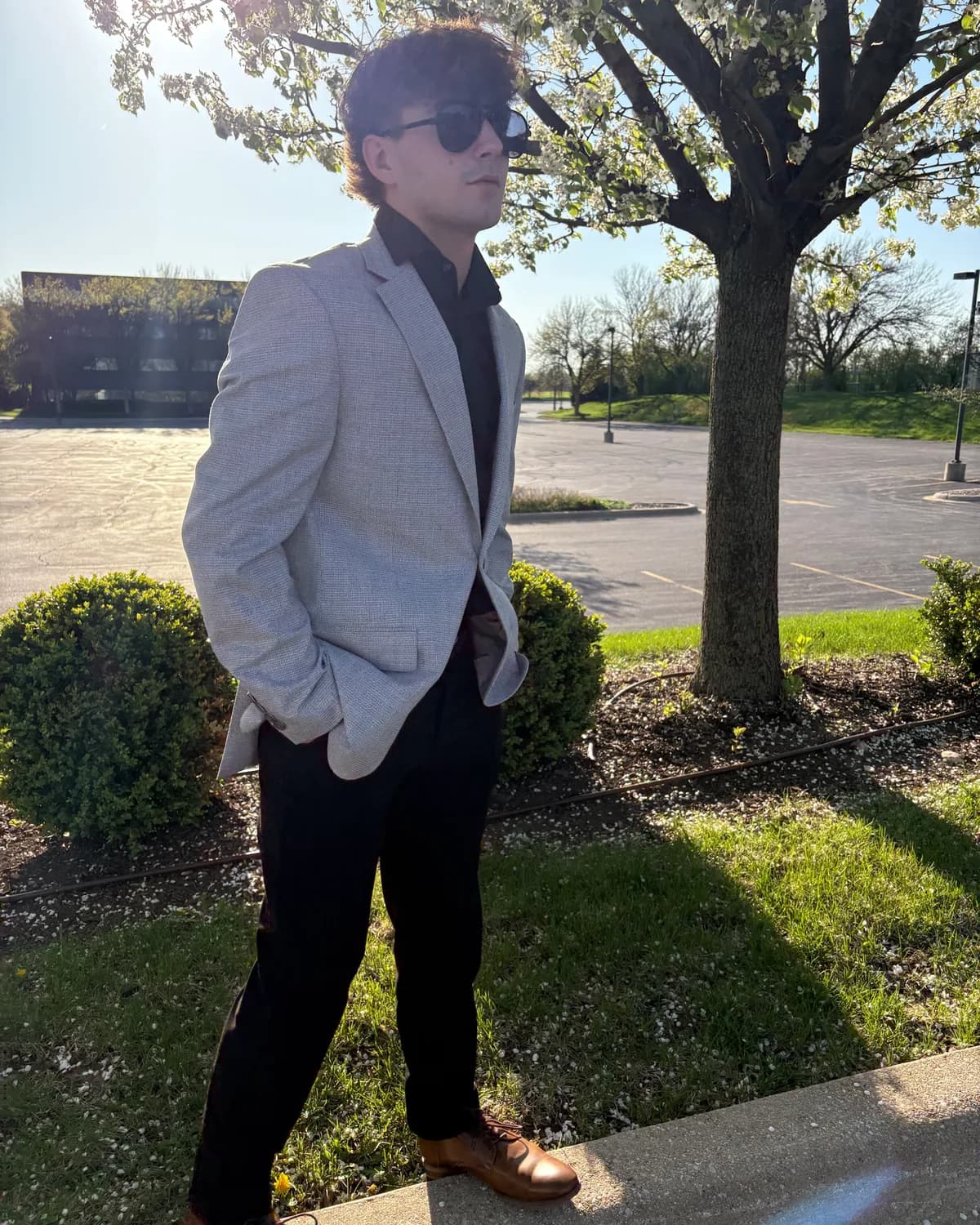
I grew up on the South Side of Chicago in a working-class house. My dad is a carpenter and my mom is a dental hygienist. Before I wrote a line of code I worked carpentry, sold insurance, and worked at 7 Brew and at Bettenhausen. Ciolk OS is my first app, built for the problems I saw in every one of them.
There is no ticket queue between you and the fix: the person who answers your email wrote the code, and held it back until it was right.
Metered on AI actions, so the whole team can use it without the bill changing.
For an owner-operator running the day themselves.
Every engine, for a team that runs on them.
Multi-location operators who need it shaped to them.
Dental and other regulated practices start at Command — practice operations only, no patient records until our HIPAA program is live. Why
14-day trial on every plan · no card to start: we ask for one after your first result, and nothing is charged for 14 days · cancel from your billing page and keep access through the period you paid for.
Your card is charged for the plan you chose and the subscription starts. No card is needed to sign up: after setup and your first result, Ciolk asks for one and shows the exact date of the first charge, 14 days out. Stripe holds the payment method and issues the first invoice when the trial ends, so nothing is charged on the day you add it and nothing is charged twice.
If you cancel before day 15, that charge never happens. Canceling is done from the billing page, which opens Stripe's customer portal.
Nothing else about the account changes on day 15. Your clients, quotes, jobs and photos are exactly where you left them. The one difference is the meter: the trial includes 50 AI actions, and from day 15 the allowance becomes your plan's monthly count — 300 on Operator, 1,500 on Command, 6,000 on Sovereign.
Because every AI action has a real cost behind it. When you capture a set of photos and get an estimate back, a model is reading those photos and writing that estimate, and we pay for that call whether or not you ever pay us. A free tier would mean either capping it so tightly that it cannot show you what the product does with a real job, or quietly recovering the cost from the people who do pay. We would rather give you 14 full days with your own work and 50 actions to run through it, charge nothing until day 15, and let you cancel from the billing page if it is not earning its place.
One metered model call. Concretely: one photo analysis (a capture of up to six photos counts as one action, not six), one engine narrative run — a scenario plan, a claims appeal, a cash-position report — or one industry generation. Each of those sends work to a model, and each is one action against your monthly allowance.
Everything else stays off the meter: reading anything, writing a quote, sending an invoice, scheduling, generating a PDF, verifying a sealed record, importing clients, exporting CSV. You can run the whole day-to-day of the business without spending an action. Actions are only spent when the AI is actually doing work for you.
A video is turned into up to 30 still frames on your device; every 6 frames is one action.
The billing page shows a live count against the allowance: 300 a month on Operator, 1,500 on Command, 6,000 on Sovereign, and 50 during the trial.
Open the billing page and choose Manage or cancel. That opens Stripe's customer portal, where canceling is one confirmation. There is no call to make, no form and no email to send.
Cancelling does not end access on the spot. You keep everything through the end of the period you already paid for, and the app shows the date. After that date the engines and paid features lock; you can still sign in to the billing page to pick a plan again.
Your data is not deleted when you cancel. Export any list as CSV while you still have access, or ask afterwards and we will send a full account export. If you want the account and its data removed, ask and we will delete it.
You do. The photos you capture, the estimates, the quotes, the client records, the corrections you make — all of it is yours. Ciolk holds it to run the product for you and for nothing else.
That has practical consequences. Export any list as CSV whenever you like, from any plan. Ask for a full account export and you get everything. Ask for deletion and the account and its data are removed. None of that needs a reason, and none of it is gated behind a support tier.
We do not sell it, share it with other customers, or use it to train models. The calibration that happens from your corrections applies only to your own business's estimates. The full statement of what is stored, where and under what terms is on the security page.
Pick your kind of business, see your screen, bring your list if you have one, and photograph one thing — or run the sample. No card to start; nothing is charged for 14 days.